Electronic batch records: one sheet per batch, across shifts
A batch does not end with the shift, but a paper batch record falls apart shift by shift: dosing in one notebook, lab results in a spreadsheet, the correction in someone’s notes. Batch records is a Shift log add-in: the steps or events of a batch, the hourly data and the lab results stay on one sheet, and a closed batch becomes a PDF and an analysis.
In short
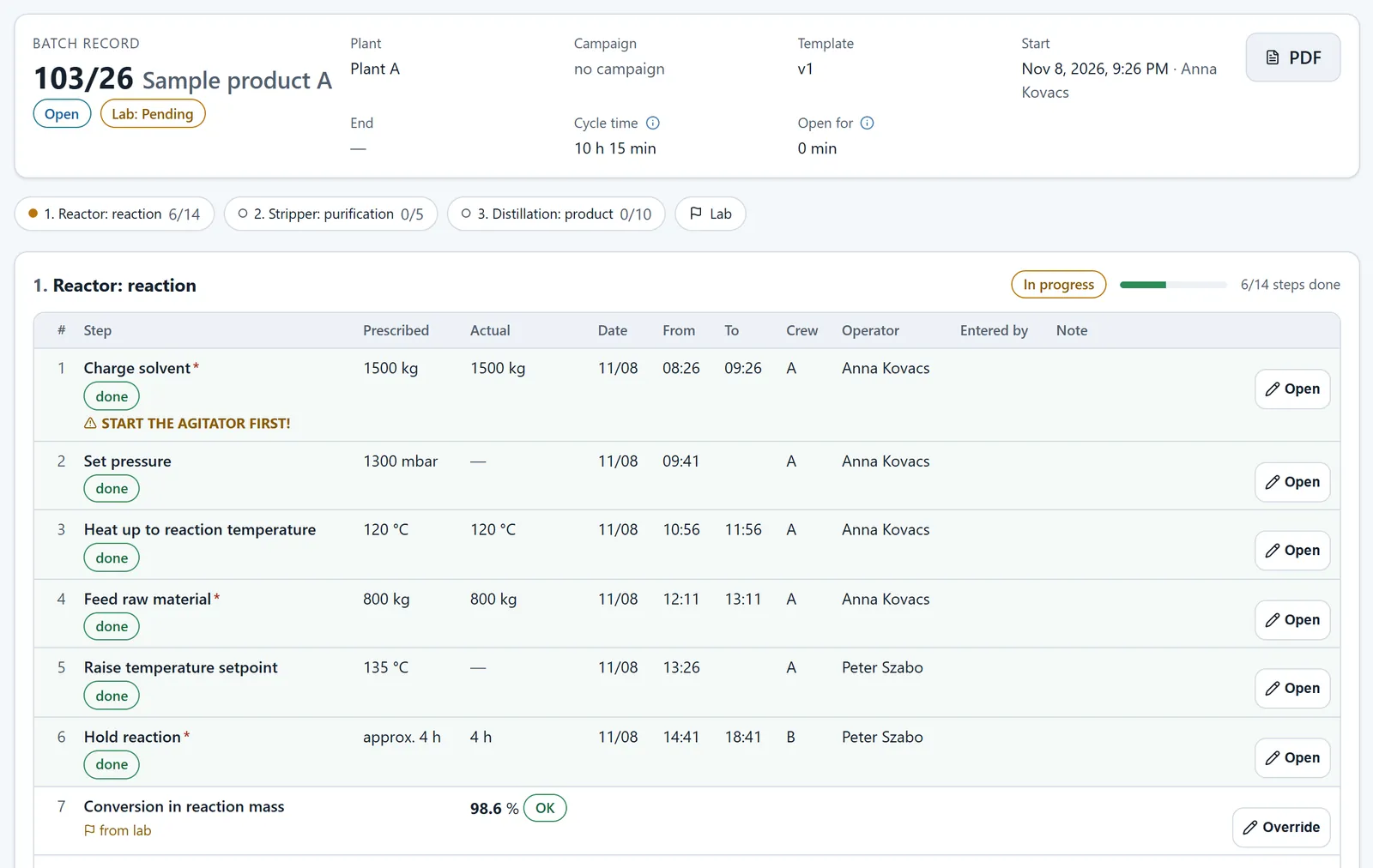
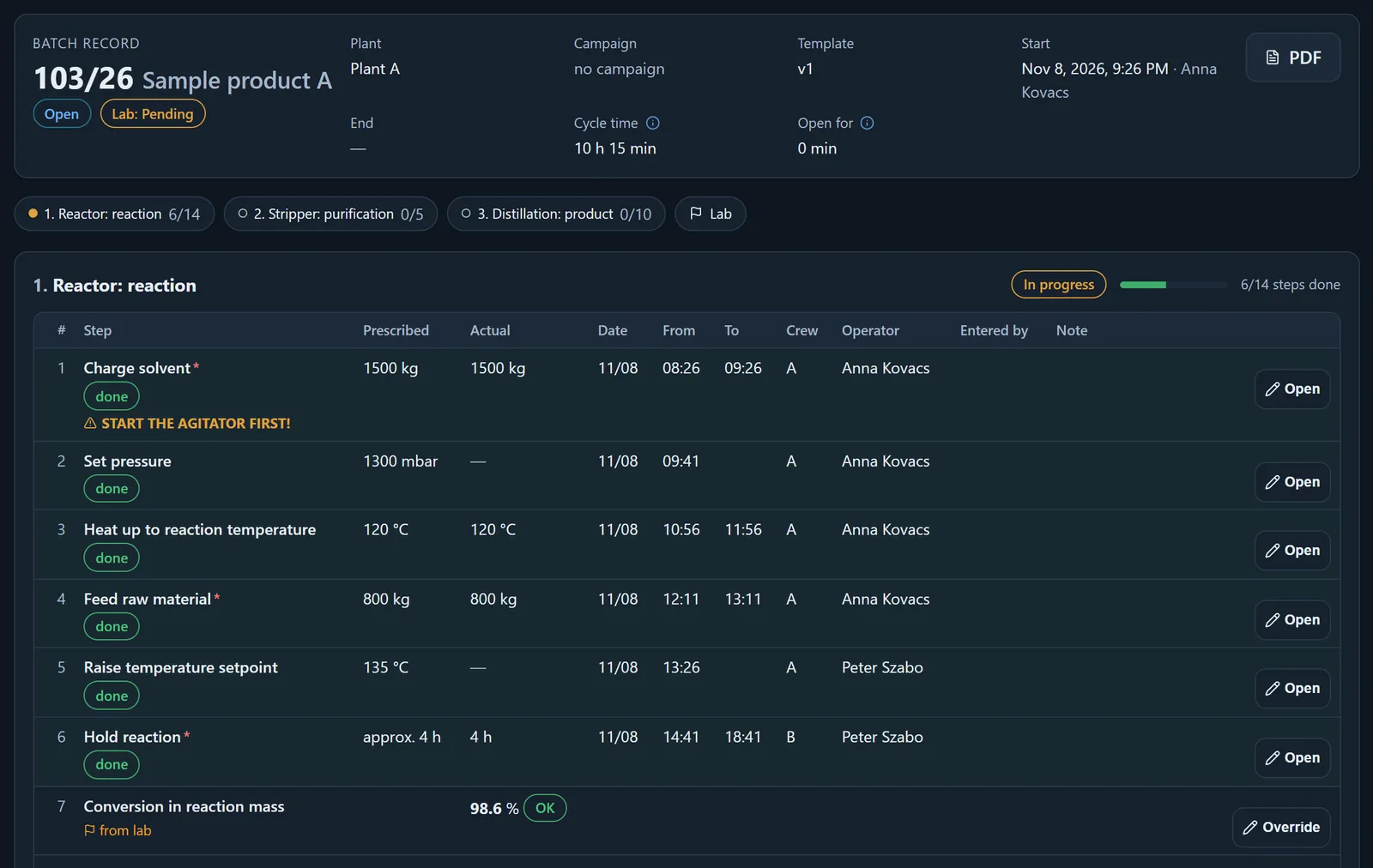
- Two modes, per template: a prescribed step list (prescribed and actual value, time, crew, operator), or an event log where dosing, measurements and corrections are recorded when they happen.
- Lab results on the sheet: each sample is judged against the batch’s target grade or the template’s limit, and an out-of-limit result is flagged with the parameter name.
- Checked closing: a list of missing required steps, a content hash, and reopening or voiding only with a reason, in the batch’s chain.
- A closed batch becomes a fact: a batch PDF in three views and, with the Analytics module, cycle time, out-of-limit rate and, for event-log batches, time to spec and number of corrections.
What is wrong with the paper batch record?
A batch often runs across two or three shifts. On paper each shift fills in its own sheet, and the next one pieces together from the notebook and by word of mouth where the batch stands. Lab results arrive in a separate table or by phone, and the correction quantity stays in someone’s notes.
When quality traces a batch after a complaint, the sheets have to be laid side by side — and that is when it turns out that the time of a step is missing, or that the last measurement before release was out of spec.
How it works with Batch records
The template says what goes on the sheet; the next shift picks up from the shift log exactly where the last one stopped.
Templates, without code
Sections, steps, hourly columns, lab points and limits in an editor; start empty, from a copy or from a built-in sample. Versioned once published: a running batch stays on its own template version.
Opening
A batch opens with a product and, if Quality specifications is on, a target grade. On a campaign plant it is linked to the campaign running at opening.
Across shifts
Prescribed and actual value per step, from–to times that can cross midnight, crew and operator. In event-log mode, dosing, measurements (with the measurement type) and corrections in one or two clicks.
Lab and correction
Each sample goes into the batch’s lab data series — the same one the Data series page shows — and is judged against a limit; a pending lab result does not block closing, it can arrive afterwards. The correction helper suggests from the template formula (from the latest measurement, the mass or a manual input); the operator enters the quantity, and the server recalculates and stores only a matching result.
Closing and release
Before closing, a list of missing required steps; a content hash on the closed batch. For event-log batches the qualifying measurement decides: out of limit, the batch closes only with a justified approval by an authorised person, if the template allows it.
What the plant sees
The shift keeps the sheet; the supervisor and quality read from the same source.
- The batch sheet
- The whole path of a batch on one sheet: steps or events with time and operator, hourly data, lab samples with status, the target grade and the latest measurement.
- Summary per vessel
- On event-log plants, the open batch per vessel: phase, target grade, latest event and measurement, an out-of-limit result spelled out — in the shift log, on the home page and in the PDF.
- The shift log
- On batch plants the shift log offers the next steps due, so the handover does not depend on a notebook.
- Batch PDF
- Three views (Full, Summary, Traceability); the footer of a closed batch carries a content-hash prefix and the template version. For a batch released with a deviation, the reason and the approver too.
- Analysis (with Analytics)
- Cycle and section times, out-of-limit rate, trends batch by batch, drill-down to the sheet, CSV export.
The batch facts: what the analysis counts
From a closed batch a summary fact is built. The Batches analysis and the dashboard’s batch tile count from it — not from re-reading the sheet, and not from a manual summary.
- The fact holds the cycle time, the additives used, the mass produced, the quality verdict and the release mode; for event-log batches also the time to spec, the number of corrections and whether it passed first time.
- When a lab result arrives later, or after a correction or reopening, the fact is refreshed; the old entry and the reason stay in the batch’s chain.
- The batch quantity is a separate fact: it does not count towards campaign progress or a production line’s actual, so nothing is counted twice.
- A gap is not zero: where there is no measurement or closed batch, the analysis says so.
What it needs, and how to order it
- A Shift log add-in, part of a custom quote. Request it on the Add-ins tab of the Control panel, and OPEREX switches it on; it is enabled per plant.
- It needs the Data series that roll across shifts add-in.
- It works without Campaign start-up; on a campaign plant a batch is linked to the running campaign.
- The target grade needs Quality specifications, and the analysis needs the Analytics module.
- Mixed plants: where production lines are recorded line by line, a batch can be linked to a line. This is a per-plant setting you switch on; by default a batch is not linked to a line.
What it does not do
So you know what to expect — and what not.
- It does not calculate for you: the correction helper suggests, the operator enters the quantity.
- It does not plan: you open, run and close the batch. Planning is the job of Campaign or the Production plan, and a batch cannot be linked to a production plan row.
- It does not read instruments or a process control system directly: the shift records the values.
- We do not claim GMP or 21 CFR Part 11 validation: the chain and the content hash show an after-the-fact change; they are not a certificate.
Further reading
Frequently asked questions
What is an electronic batch record?
The digital counterpart of the paper batch record: a batch’s steps or events, hourly data and lab results on one sheet, across shifts. In OPEREX it is the Batch records add-in of the Shift log; it starts from a template, closes with checks, and a closed batch becomes a PDF and an analysis.
What is the difference between a step-list batch and an event-log batch?
A step-list template gives prescribed steps, with prescribed and actual values. An event-log template gives event types (dosing, measurement, correction) that the shift records when they happen; with a summary per vessel, and the qualifying measurement decides on release.
Does it need Campaign start-up?
No. Batch records works without campaigns; on a campaign plant a batch is linked to the campaign running at opening. It does need the Data series that roll across shifts add-in.
Let's start a pilot
We'll show you OPEREX on your own operational processes — no strings attached.
Request a demo